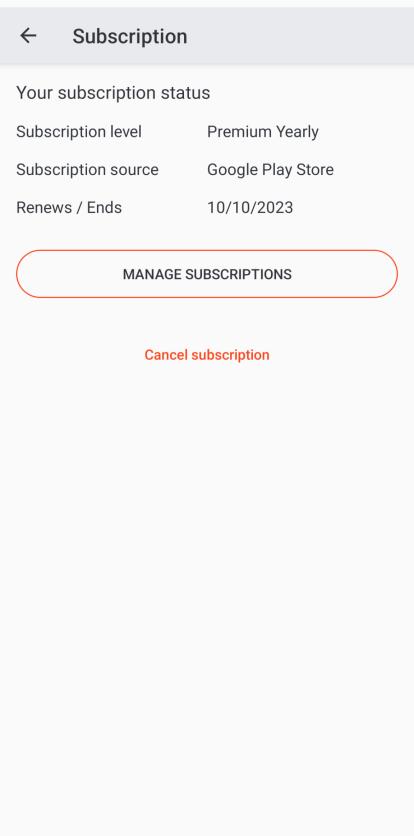
Step 1 – Check your subscription status
Check your subscription status. Click View subscription plans if already not subscribed.
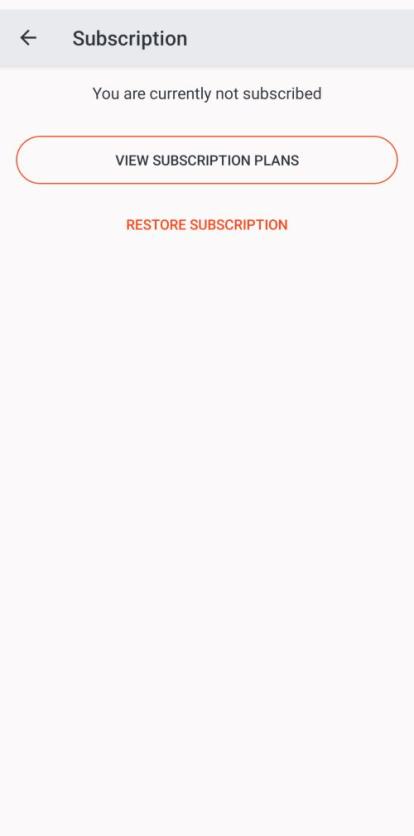
Step 2 – Select your subscription plan
Select Zapmap Premium.
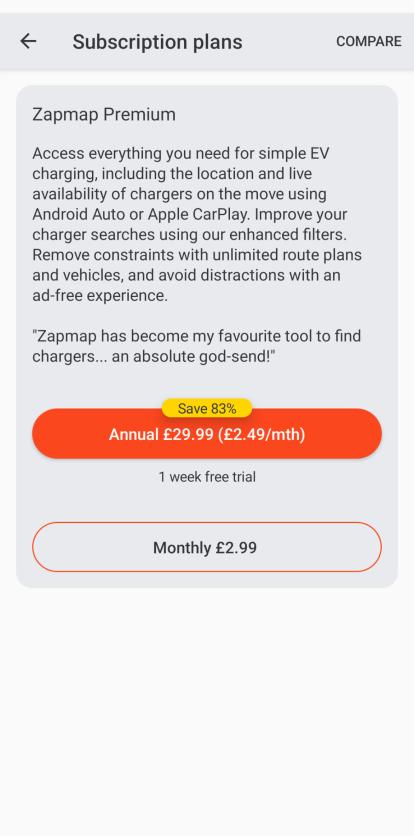
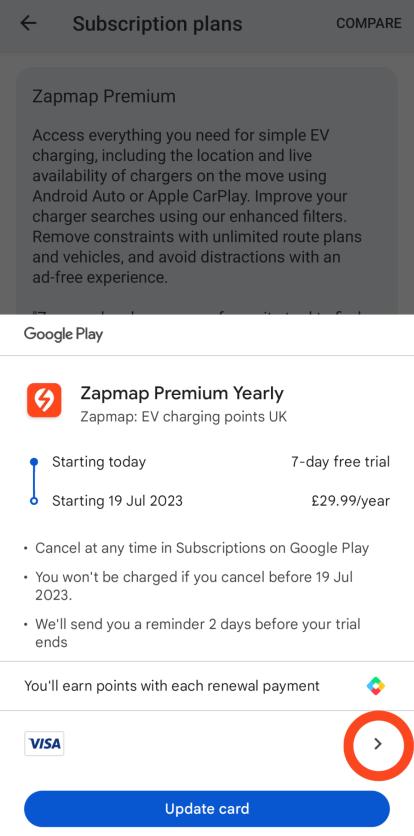
Step 3 – Select your payment method
Press the arrow to change your payment method & show the option of adding a code.
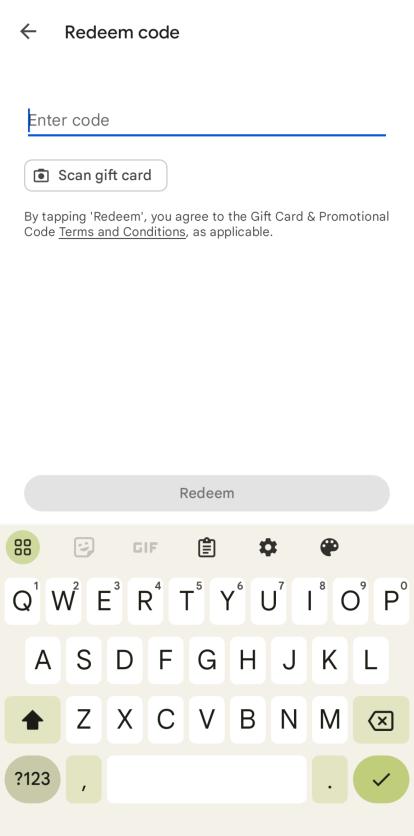
Step 4 – Enter your code
Enter your code in the text box provided.
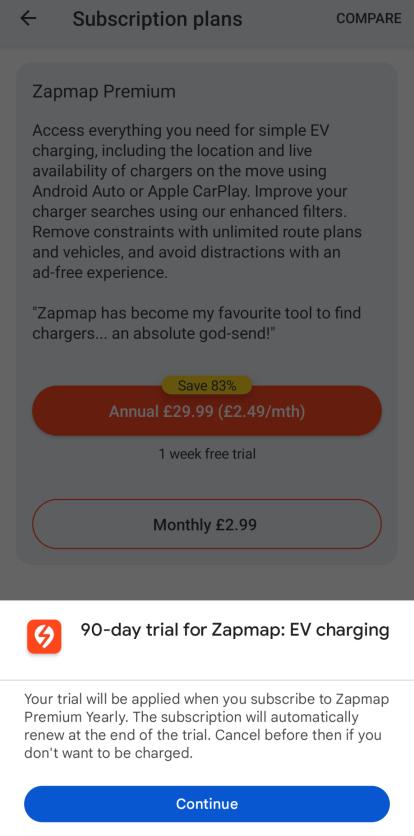
Step 5 – Press Continue
If your code is successful, you will see this screen. Press Continue.
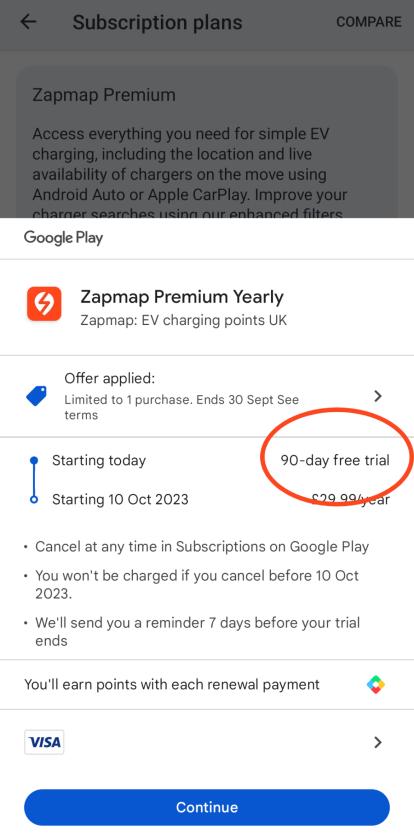
Step 6 – See your offer applied
The orange circle highlights where you can see which offer has been applied.
Step 7 – View your successful subscription
View your subscription status on the Subscriptions page. In this case the subscription level is Premium Yearly.